You can send your queries to the lessor by raising the service requests. To raise a new service request, navigate to Contracts > Service request > RAISE A NEW REQUEST.
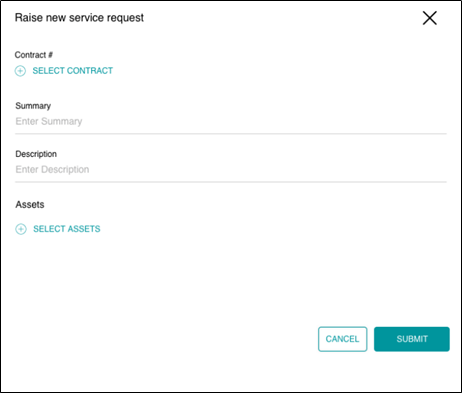
- Click SELECT CONTRACT, if you want to associate your request to any contract.
- Under Summary, enter the summary of your query.
- Under Description, enter the description of your query.
- Click SELECT ASSETS if you want to associate your request to any asset.
- Click SUBMIT to submit your request.